
Templates <BASIC>
The templates window allows you to import predefined elements into the current project.
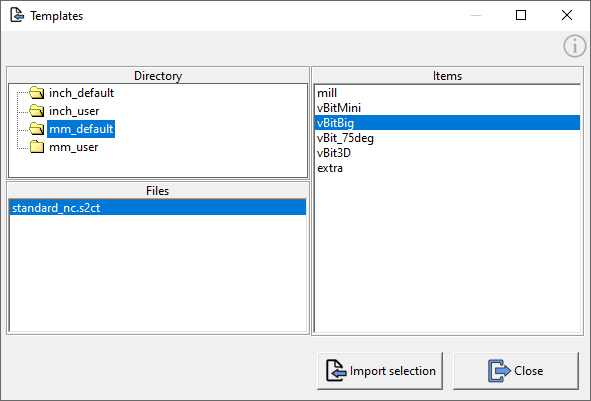 © send2cnc.com
This is where you can select from a list of files and elements to speed up the workflow and simplify project creation.
Creating or modifying templates
To create a new template project, either start a new project or open an existing template and add all the desired elements to include in the template.
The file must then be saved in the corresponding subfolder of the send2cnc program data folder (see the Installation chapter) with the file extension *.s2ct.
Functions
Import selection
Imports the selected elements from the list into the current project.
Elements
The elements selected in this list will be imported from the selected template.
Double-clicking on an element in the list will immediately import this element into the project.